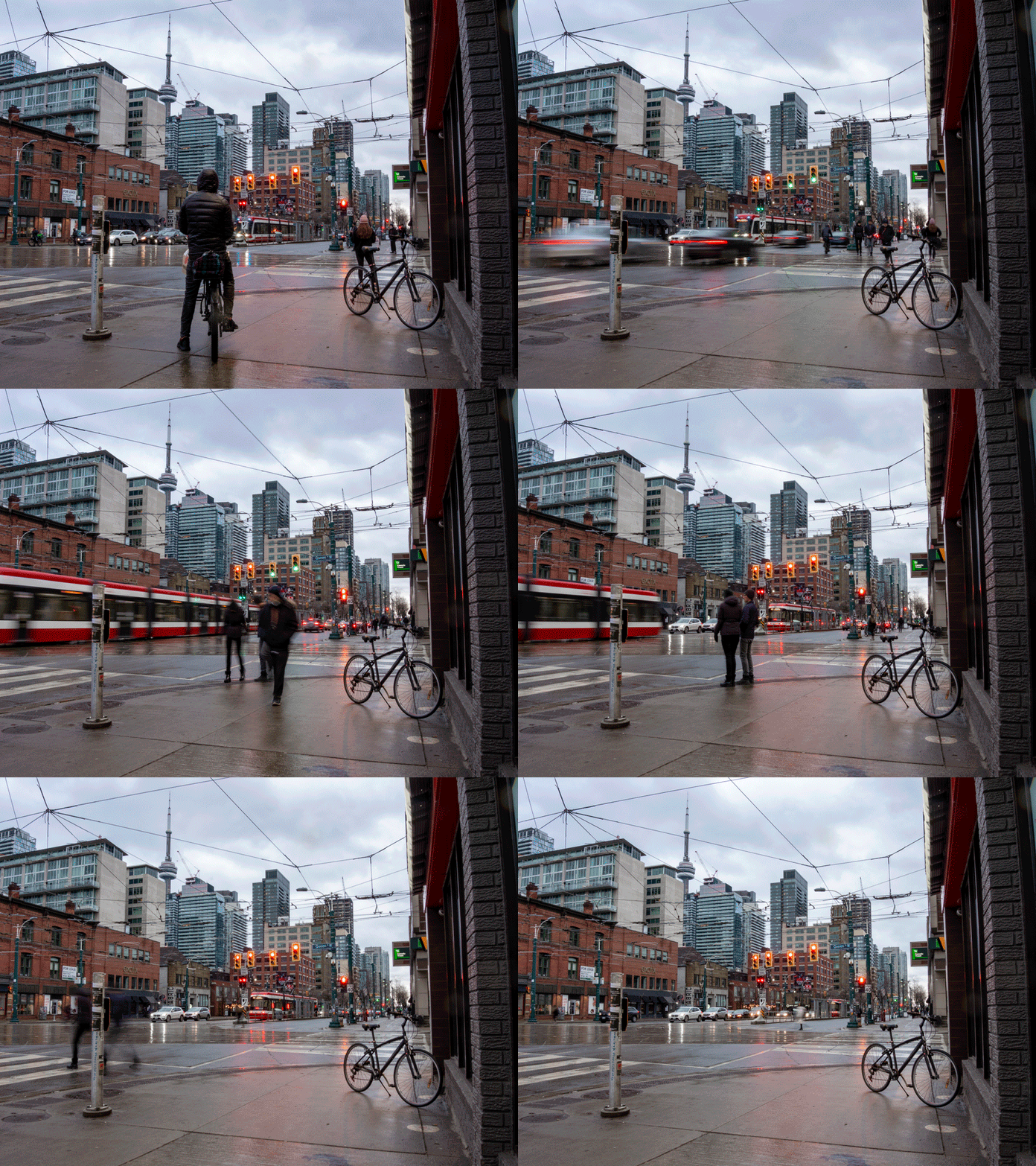
Introduction
I have been making photo animations for a while. Usually they are GIFs but you can also export to video and loop them on a web page. Most of these images are shot by me but a few are from contributors. Almost all of them feature long exposures.
There is something very compelling about the tension between an image made from a long exposure and the use of a few of these images to show the passage of time. Or to contrast two moments or two places.
Two frame GIF animations – used for blog posts and blog featured images.
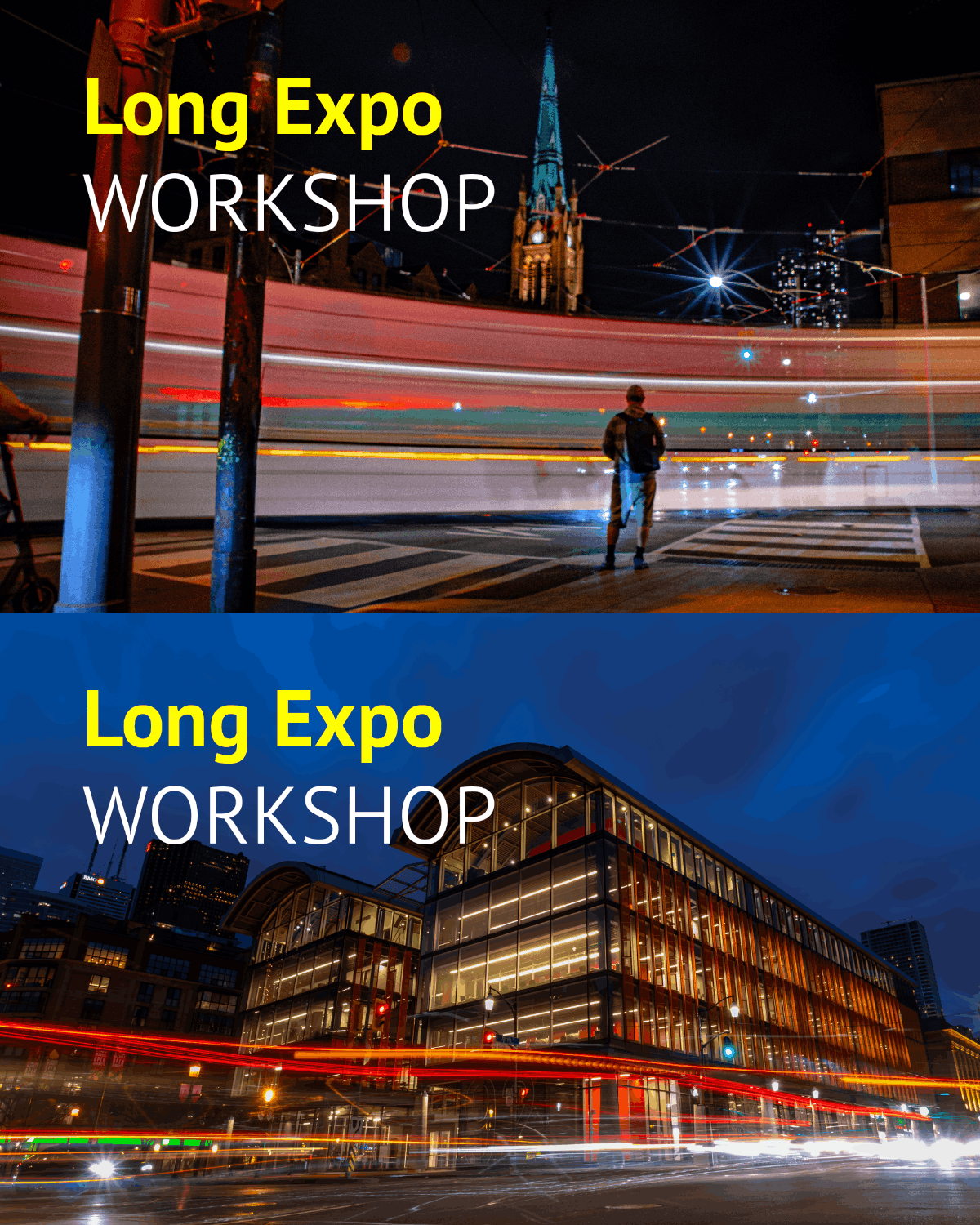
Photos old and new for blog post feature image
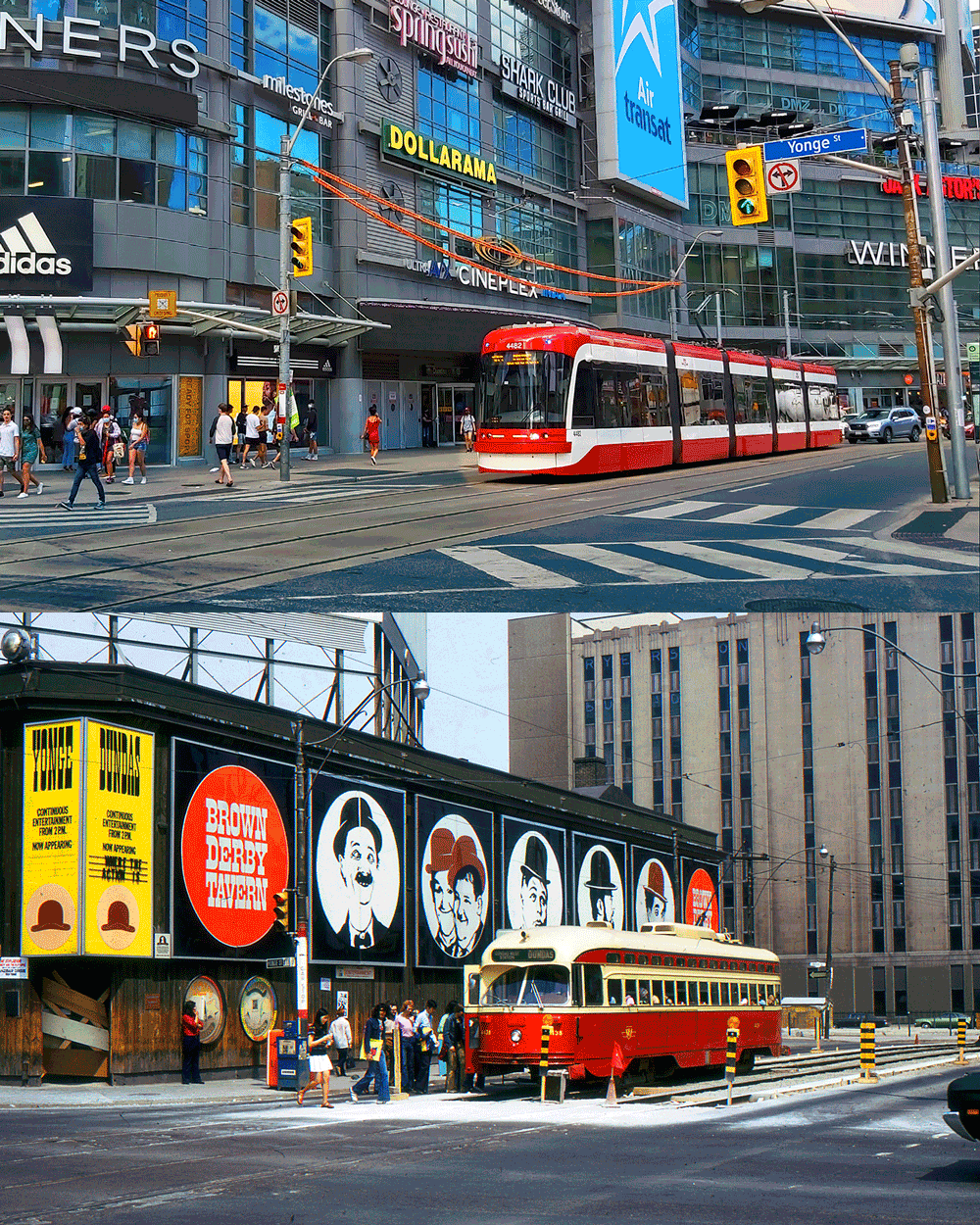
https://tdotshots.com/transit-timewarp-historical-photo-comparisons-of-ttc-streetcars-in-toronto/
15-20 frame Photo Animations – created in Photoshop
View my tutorial:
https://tdotshots.com/create-a-photo-animation-from-an-image-sequence-in-photoshop-make-a-gif-or-video/
Depending on your familiarity with Photoshop creating an animation like this can take about 30-60 minutes. For best results your images should not require much correction.
This image turned out great and is featured in the tutorial.
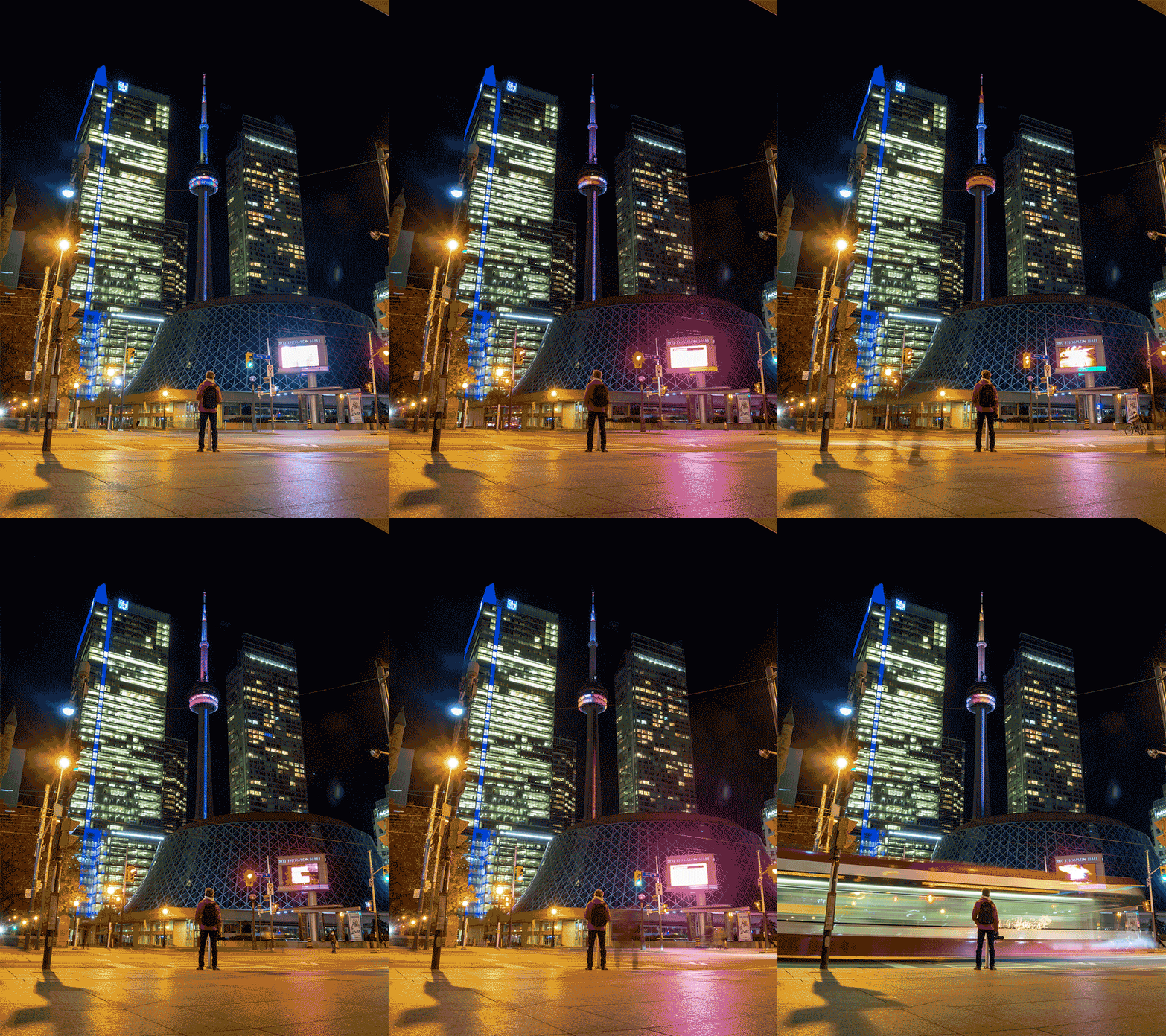
This next photo animation turned out okay but I may never publish it formally. I shot with a wobbly tripod which was a mistake. The individual frames are great but I’m not satisfied with the sequence result. There is one small workaround literally. If embedded on a page at a small size or as a background with text or something else over top, it might be passable.
Photography can take place in the daytime or at night. In fact while we book most events during the day or at sunset, we have experience hosting group s for vibrant night walks with a photography workshop aspect.
Readings and Resources
Photo Sequence Animation Tutorial by Mike
Blog post by Mike
Some crude animations and some really dope ones, all from the many years I spent making photo animations.
A small animation portfolio
Good Luck!
Thanks for reading, and keep in mind you can do this with other forms of photography like landscape photography. Anytime you want to create a sequence with at least two frames you are creating a photo animation. And obviously you can use random images, artistic elements, type or any kind of imagery in your animation.
If you create an animation let me know how it turned out!
Mike